Turn a photo into therian art
Start from a picture instead of a blank prompt. Upload a photo of your pet, a mask on your desk or a place you walk, add a line about what you want, and the tool redraws it in the style you pick. It is a quick way to get a watercolor of your cat or a linocut version of a mask design.
Upload a photo2 free credits on sign-up
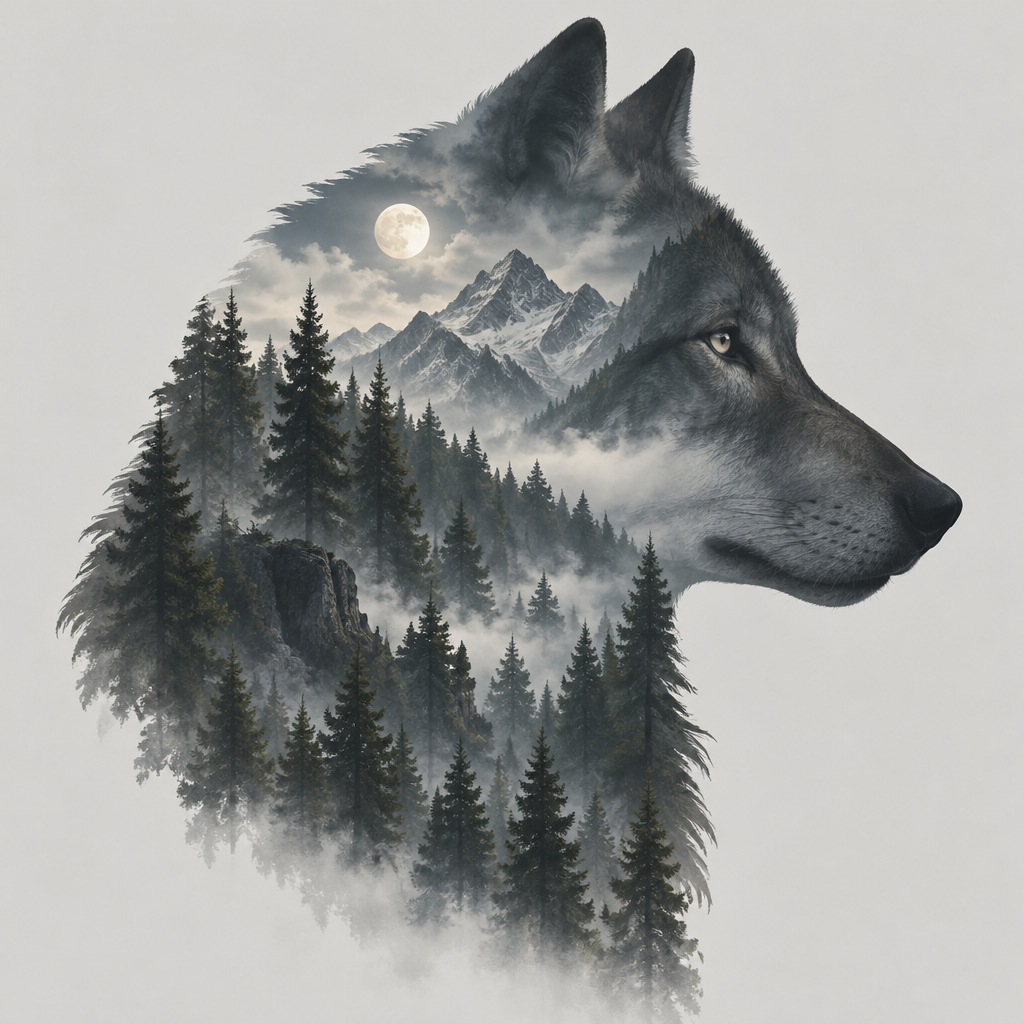
Sample in the Double Exposure style
How it works
Step 1
Upload a photo
Choose an image from your device. Animals, masks and landscapes all work as a starting point.
Step 2
Say what to make
Add a short instruction and pick a style such as Watercolor, Ink Sketch or Storybook.
Step 3
Refine the result
Use plain-English edits to change colours, background or details, then upscale it.
- Works from pet photos, craft photos and nature shots
- All 48 styles are available for photos
- Follow up with text edits and upscaling
- Turn the finished picture into a short video
From the community gallery
Nothing here yet
No public artwork matches this yet. You could make the first one.